
17 Jan 2022, 00:00
About Auto Mode
Clearing maps will allow you to use auto mode for maps and battles (this does not apply to Quests and Extreme Z-Battles).
* There are certain maps on which auto mode cannot be used.
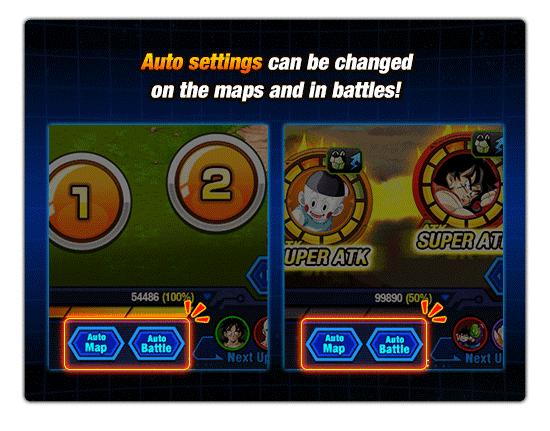
Simply tap to turn auto mode on or off.
During auto mode, the number of STA consumed, the number of dropped items obtained and the character stats will not be different from that of the usual mode. In addition, you can use Reward Boost during auto mode.
When moving in auto mode, the largest of the three numbers displayed will be selected. If there is a split in the path, one will be picked at random.
Auto mode can be toggled on or off on certain screens while moving on the map and during battle. The settings can also be adjusted on the difficulty-selection screen in "Quest".
- Dokkan Mode in Auto Mode Dokkan Mode can be controlled manually even when in auto mode.